

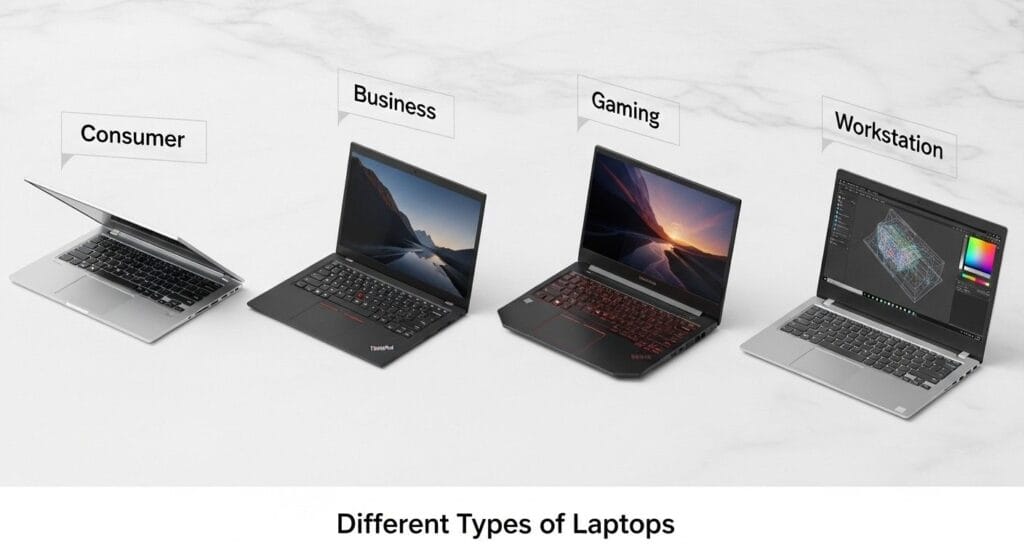
The Main Different Types of Laptops are:
- Consumer laptops (budget, mainstream, 2-in-1, and Chromebooks) – great for everyday tasks.
- Business models (executive ultraportables, mainstream, and rugged) – focus on security and durability.
- Gaming laptops (Thin-and-light, mainstream, desktop replacements, and esports-focused systems) – deliver high-performance graphics.
- Workstations (Traditional, thin, and GPU-centric models) – ideal for handling professional creative and engineering software.
1. Consumer Laptops
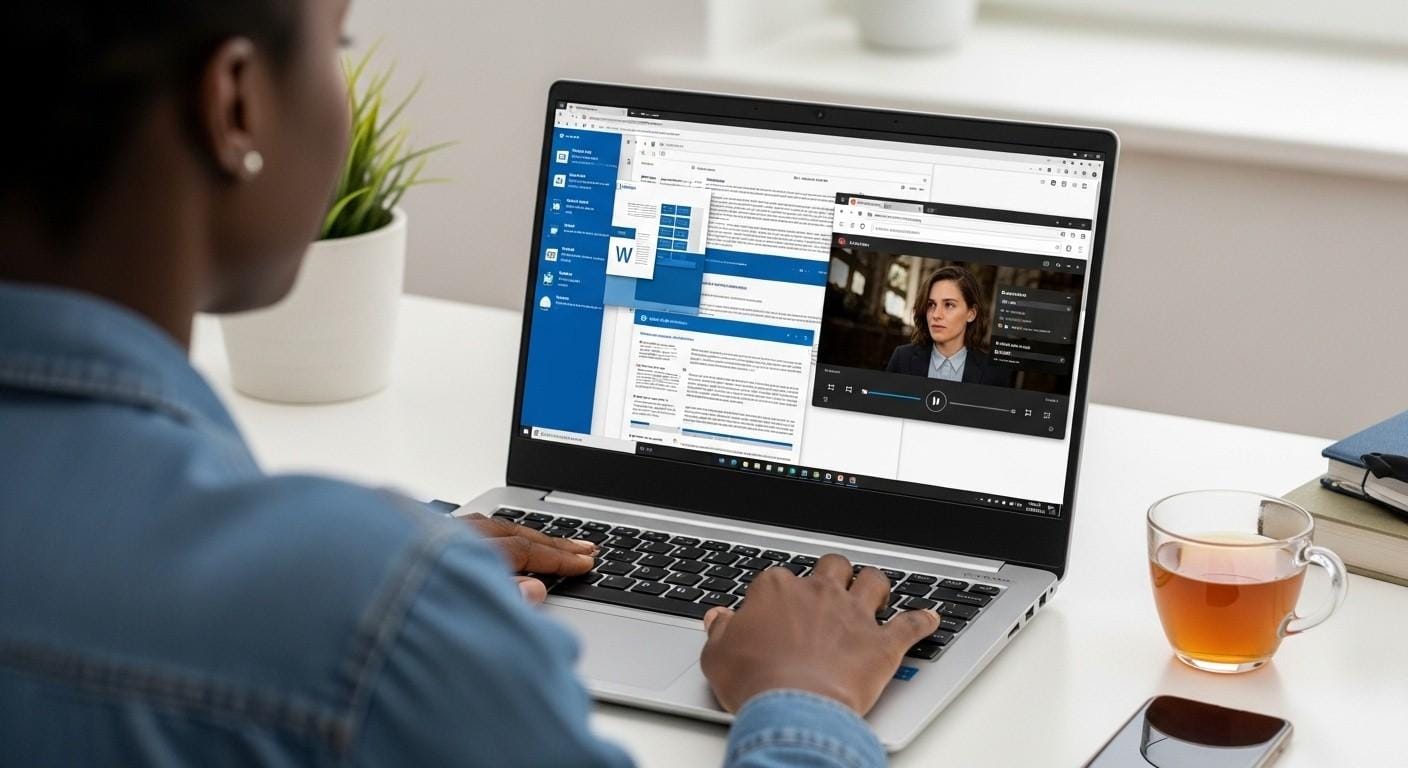
Consumer laptops are the most common category. They are designed for general-purpose computing. Their focus is on versatility and value. You will find them in homes, schools, and cafes. They handle everyday tasks with ease.
These laptops cater to a wide audience. Students, families, and casual users love them. They are perfect for first-time buyers. Their price range is very broad. You can find budget options and premium models.
Key characteristics include varied designs. Performance is balanced for daily use. Emphasis is on user-friendly features. They are not built for heavy professional work. But they excel at common activities.
Primary Subcategories of Consumer Laptops
Not all consumer laptops are the same. They are divided into key subcategories. Your specific needs will determine the best fit. Let’s explore the four main kinds.
1: Budget/Value Laptops
These laptops prioritize absolute affordability. Their purpose is to handle essential tasks only. They are perfect for basic computing needs. You will often find plastic builds here.
Features include lower-tier CPUs. Think Intel Celeron or AMD Athlon. They typically have 4GB to 8GB of RAM. Storage is often 128GB or 256GB eMMC or SSD. Displays are usually HD resolution.
These are best for simple web browsing. They handle email perfectly. Basic document editing is no problem. They are not for multitasking or complex software. But they offer great entry-level value.
| Recommendation | Processor | RAM | Storage | Price (KSh) |
|---|---|---|---|---|
| Lenovo Yoga 12 | i5 5th Gen | 4GB | 256GB SSD | 17,500 |
2: Mainstream Clamshells
This is the classic “default” laptop design. It offers the best balance of performance and price. Most people picture this type when thinking of laptops. It is a reliable workhorse for daily life.
You get good processors like Intel Core i5. RAM is typically 8GB or 16GB. Storage is a 256GB or 512GB SSD. Displays are crisp Full HD IPS. Port selection is decent and practical.
These are best for the majority of users. They handle multitasking well. Media consumption is excellent. Standard productivity software runs smoothly. They are the safe choice for most needs.
| Recommendations | Processor | RAM | Storage | Price (KSh) |
|---|---|---|---|---|
| HP ProBook 430 G6 | i5 8th Gen | 8GB | 256GB SSD | 28,500 |
| Dell Inspiron 7375 x360 | AMD Ryzen 5 2500U | 8GB | 256GB SSD | 29,500 |
3: 2-in-1 Convertibles & Detachables

These laptops offer ultimate versatility. They transform across multiple modes. Use them as a standard laptop. Then flip them into a tablet for reading. Tent and stand modes are great for media.
Key features include responsive touchscreens. Many support an active stylus for notes. They have 360-degree hinges or detachable keyboards. This flexibility comes at a slight premium.
They are best for digital note-takers. Students and creatives love them. Presenters use stand mode effectively. Casual creators enjoy the tablet form. They are perfect for media consumption.
| Recommendations | Processor | RAM | Storage | Price (KSh) |
|---|---|---|---|---|
| Lenovo Yoga 380 | i5 8th Gen | 8GB | 256GB SSD | 27,000 |
| Dell Latitude 5290 Detachable | i5 8th Gen | 8GB | 256GB SSD | 28,500 |
Chromebooks
Chromebooks are cloud-centric machines. They run Google’s simple ChromeOS. Their purpose is streamlined, secure computing. They are known for exceptional battery life. Many models are completely fanless.
You can find very affordable options. There are also premium Chromebook Plus models. They rely heavily on an internet connection. Most apps and files live in the cloud. This makes them secure and easy to manage.
They are best for students. They make excellent secondary devices. Anyone who lives in a web browser will love them. They are not for offline-heavy or Windows software. But they are fantastic for their purpose.
Pros and Cons of Consumer Laptops
Pros:
Affordability: Offer the best prices across all types of laptops.
Variety: Huge selection of designs, sizes, and features.
User-Friendly: Simple setup and familiar for most users.
Cons:
Build Quality: Often use more plastic and less durable materials.
Performance: Limited power for demanding tasks like editing or gaming.
Support: Basic warranty and customer service compared to business lines.
2. Business Laptops

Business laptops are tools, not toys. They are built for professional environments. Their core purpose is reliability and security. They ensure productivity and protect your data. Companies and professionals trust them daily.
The target user is a corporate employee. Freelancers and consultants also use them. IT managers deploy them at scale. They value manageability and long-term support. These laptops are business investments.
Key characteristics include premium, durable builds. Security features are enhanced significantly. They have superior keyboards and trackpoints. Professional support networks are included. They are designed to last for years.
Primary Subcategories of Business Laptops
The business world has diverse needs. Therefore, business laptops have clear subcategories. Each serves a different professional scenario. Let’s examine the four primary kinds.
1: Executive Ultraportables
These laptops combine portability with prestige. They are for professionals always on the move. The purpose is maximum mobility without sacrifice. They are thin, light, and incredibly powerful.
You will find carbon fiber or magnesium designs. Displays are high-resolution, often 13 or 14 inches. They use the latest premium CPUs. Graphics are usually integrated. Thunderbolt 4 ports are standard.
They are best for frequent fliers and consultants. C-suite executives rely on them. Examples include the Dell XPS 13. The Lenovo ThinkPad X1 Carbon is iconic. They represent the pinnacle of business portability.
| Recommendations | Processor | RAM | Storage | Price (KSh) |
|---|---|---|---|---|
| Lenovo X1 Carbon (8th Gen) | i5 8th Gen | 16GB | 512GB SSD | 31,500 |
| Dell XPS 13 9380 | i7 8th Gen | 8GB | 256GB SSD | 38,500 |
2: Mainstream Business
This is the workhorse for the workforce. It balances performance, durability, and price perfectly. These are the laptops on most office desks. They are the reliable backbone of business.
They typically have 14 or 15-inch screens. Port selection is robust with HDMI and USB-A. Many still include Ethernet ports. Keyboards are famously excellent for typing. TPM chips provide hardware security.
They are best for office-based professionals. Developers and analysts use them daily. Project managers rely on their stability. Examples are Lenovo’s ThinkPad T-Series. HP’s ProBook line is also popular.
| Recommendations | Processor | RAM | Storage | Price (KSh) |
|---|---|---|---|---|
| Lenovo ThinkPad T490s | i5 8th Gen | 8GB | 256GB SSD | 25,500 |
| HP EliteBook 840 G5 | i5 8th Gen | 8GB | 256GB SSD | 27,500 |
3: Mobile Workstations
These bridge business and workstation needs. They handle moderate professional applications. The purpose is certified performance in a business chassis. They offer more power than standard business laptops.
They use a standard business laptop body. But they add a professional-grade GPU option. Think NVIDIA RTX A500. They feature more powerful CPUs. ISV certification for key apps is common.
They are best for architects and data analysts. Light CAD users will appreciate them. Engineers doing basic simulations can use them. They are a cost-effective step into professional tools.
| Recommendations | Processor | RAM | Storage | Graphics | Price (KSh) |
|---|---|---|---|---|---|
| HP ZBook 14u G5 | i7 8th Gen | 16GB | 512GB SSD | 2GB AMD Radeon Pro | 41,500 |
| Lenovo P50 | i7 6th Gen | 16GB | 512GB SSD | 4GB NVIDIA Quadro | 33,500 |
4: Rugged & Semi-Rugged Laptops
These laptops are built to survive. They withstand extreme and hazardous conditions. Their purpose is reliability in the field. Dust, drops, moisture, and heat are no problem.
They are MIL-STD-810H certified for durability. Keyboards are often waterproof and spill-resistant. Frames are reinforced against impacts. Displays are brighter for outdoor use.
They are best for field engineers and utility workers. The military and first responders use them. Manufacturing and construction sites need them. They are essential where standard laptops would fail.
Pros and Cons of Business Laptops
Pros:
Unmatched Durability: Built with higher-grade materials to last.
Top-Tier Security: Features like fingerprint readers, TPM, and vPro chips.
Best Input Devices: Superior keyboards and trackpads for long workdays.
Professional Support: Longer warranties and dedicated business support.
Cons:
Higher Cost: More expensive than consumer laptops with similar specs.
Weight: Often heavier than their consumer counterparts.
Conservative Design: Less focus on flashy aesthetics.
3. Gaming Laptops: High-Performance Entertainment Systems
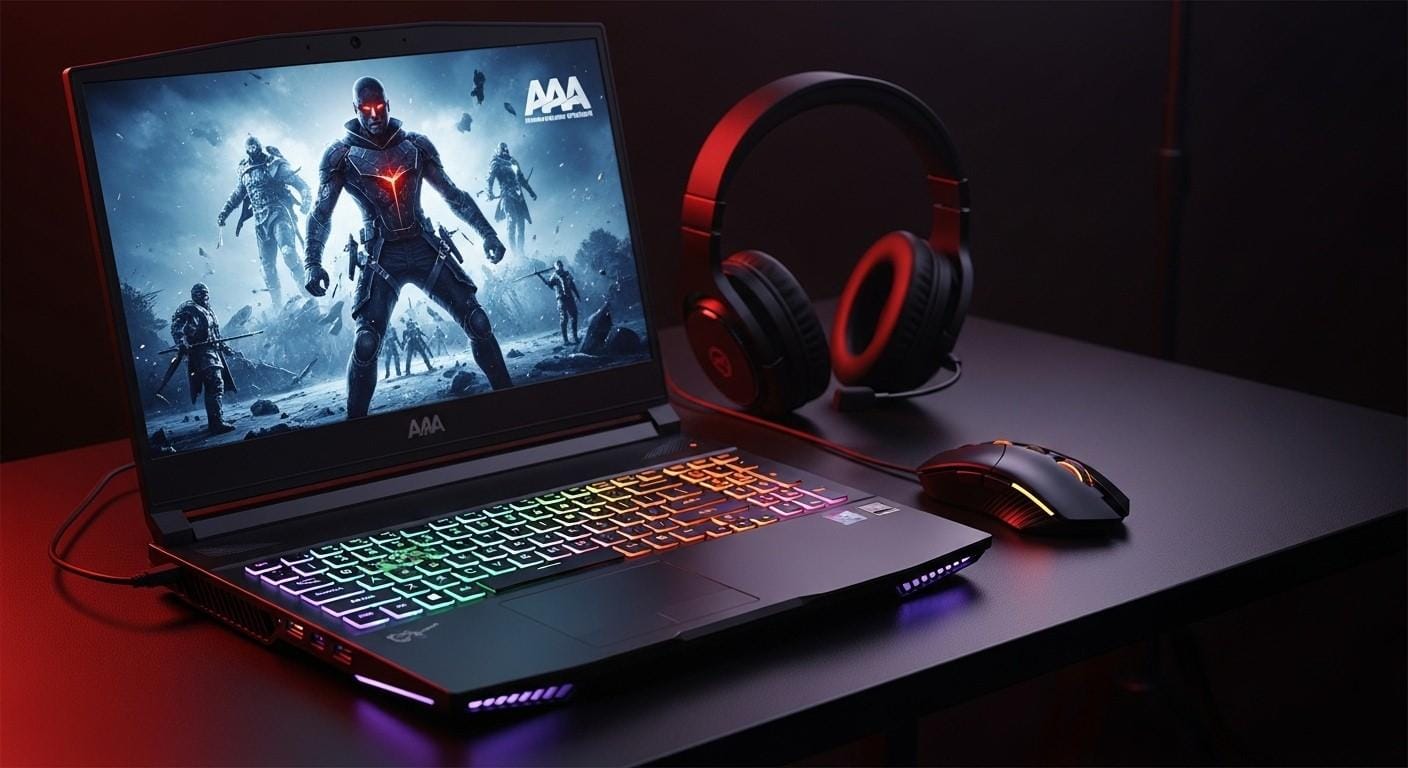
Gaming laptops are about raw power. They deliver a desktop-grade experience anywhere. Their core purpose is smooth, high-fidelity gaming. They prioritize graphics and processing performance above all.
The target user is, of course, the gamer. Esports enthusiasts demand them. Streamers need their encoding power. Performance-power users also gravitate to them. They are entertainment powerhouses.
Key characteristics include advanced cooling systems. High-refresh-rate displays are mandatory. Aesthetics are often bold with RGB lighting. They are generally thicker and heavier. Battery life is typically poor.
Primary Subcategories of Gaming Laptops
Gaming needs vary greatly. Therefore, different types of gaming laptops exist. Some prioritize portability, others pure power. Here are the four main subcategories.
1: Thin-and-Light Gaming Laptops
These compromise peak performance for portability. They are much sleeker than standard gaming laptops. The purpose is to be a powerful travel companion. They are often under 0.8 inches thick.
They use lower-wattage (but still powerful) GPUs. Design is more subdued and professional. They look less like a typical gaming laptop. This makes them suitable for students too.
They are best for gamers who travel frequently. Students who need one powerful portable device love them. Examples include the ASUS Zephyrus G14. The Razer Blade 15 is another icon.
| Recommendations | Processor | RAM | Storage | Graphics | Price (KSh) |
|---|---|---|---|---|---|
| Dell XPS 15 9575 | i7 8th Gen | 16GB | 512GB SSD | 4GB Radeon RX | 58,500 |
2: Mainstream Performance
This is the sweet spot for most gamers. It offers the best price-to-performance ratio. These laptops provide excellent gaming power. They are the most popular gaming category.
They feature full-power GPUs like RTX 4060. Displays have high refresh rates (144Hz+). Cooling systems are robust and effective. Per-key RGB lighting is common here.
They are best for most gamers. They seek great performance at a reasonable price. Examples include the Lenovo Legion 5. The Acer Predator Helios series is also popular.
| Recommendations | Processor | RAM | Storage | Graphics | Price (KSh) |
|---|---|---|---|---|---|
| HP Pavilion 15-cs1xxx | i7 8th Gen | 16GB | 512GB SSD | 4GB Graphics | 53,500 |
| Lenovo E570 | i7 7th Gen | 8GB | 256GB SSD | 2GB NVIDIA GTX | 33,500 |
3: Desktop Replacements / Enthusiast
These laptops rival high-end desktop PCs. Portability and battery life are not concerns. The purpose is to provide maximum possible performance. They are large, heavy, and extremely powerful.
They have the largest and thickest chassis. Top-tier GPUs like RTX 4090 are inside. They may use desktop-grade or overclockable CPUs. Cooling is complex with multiple fans. Some have mechanical keyboards.
They are best for stationary gamers. They want one powerful system for everything. LAN party attendees use them. They are not meant to be moved often.
| Recommendations | Processor | RAM | Storage | Graphics | Price (KSh) |
|---|---|---|---|---|---|
| HP ZBook Fury 15 G7 | i7 10th Gen | 16GB | 512GB SSD | 4GB NVIDIA Quadro | 73,500 |
| MacBook Pro 16 (2019) | i9 | 16GB | 1TB SSD | 4GB Graphics | 89,500 |
4: Esports & High-Refresh Focused
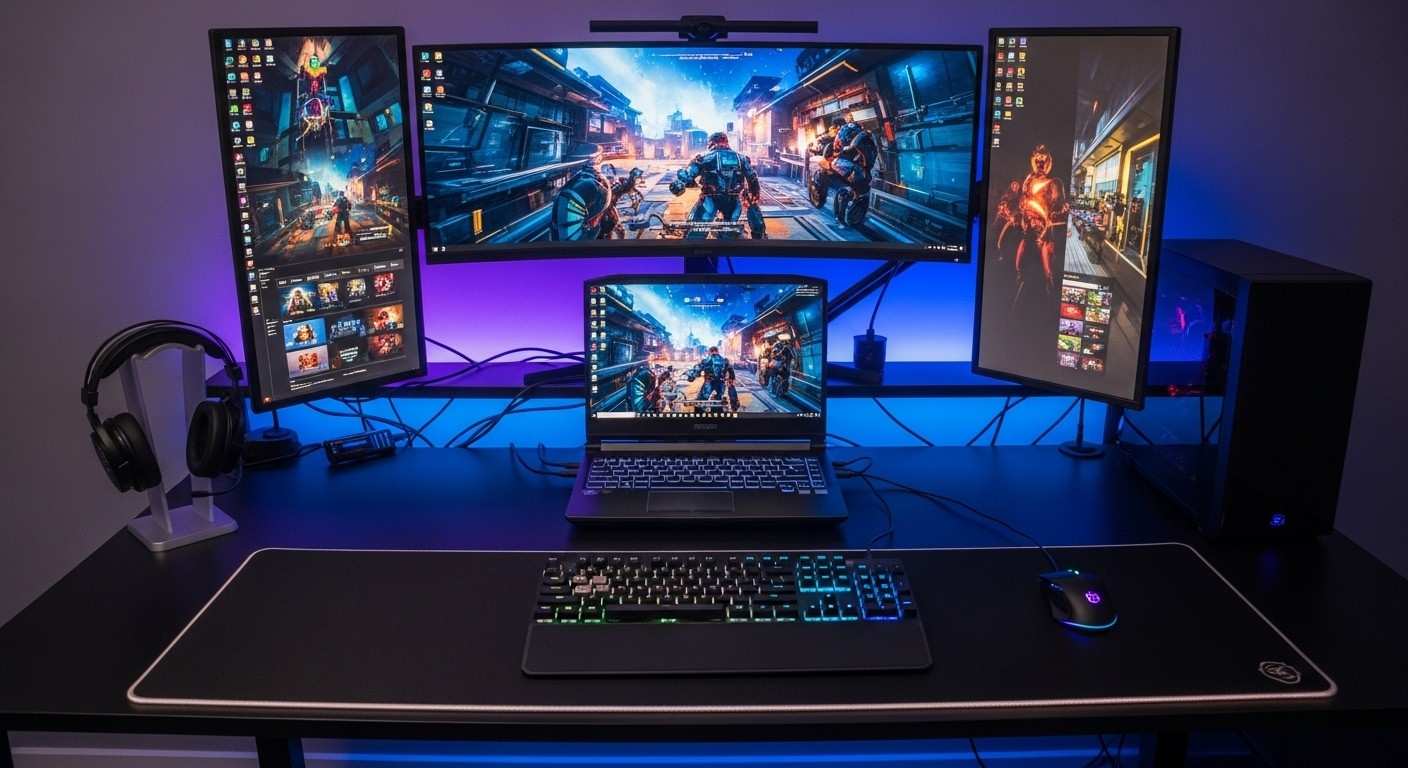
These are built for competitive advantage. They maximize performance in fast-paced games. The purpose is winning in titles like FPS and MOBA games. Every millisecond and frame counts.
They feature extreme refresh rates (300Hz or more). They often prioritize 1080p resolution for max frames. Latency is minimized at every level. Designs can be flashy or focused.
They are best for competitive esports players. Serious amateurs and pros use them. They are specialized tools for a specific task.
Pros and Cons of Gaming Laptops
Pros:
Unrivaled Performance: Best consumer-grade power for gaming and creative tasks.
All-in-One Solution: A powerful desktop replacement in one package.
Great for Creative Tasks: Powerful GPUs also excel at video editing and 3D work.
Cons:
Poor Battery Life: High-power components drain batteries quickly.
Heavy/Bulky: Not designed for easy portability.
Can Be Noisy: Fans run loudly under load to manage heat.
Premium Cost: High-end components command high prices.
4. Workstation Laptops – Great for Demanding Professions
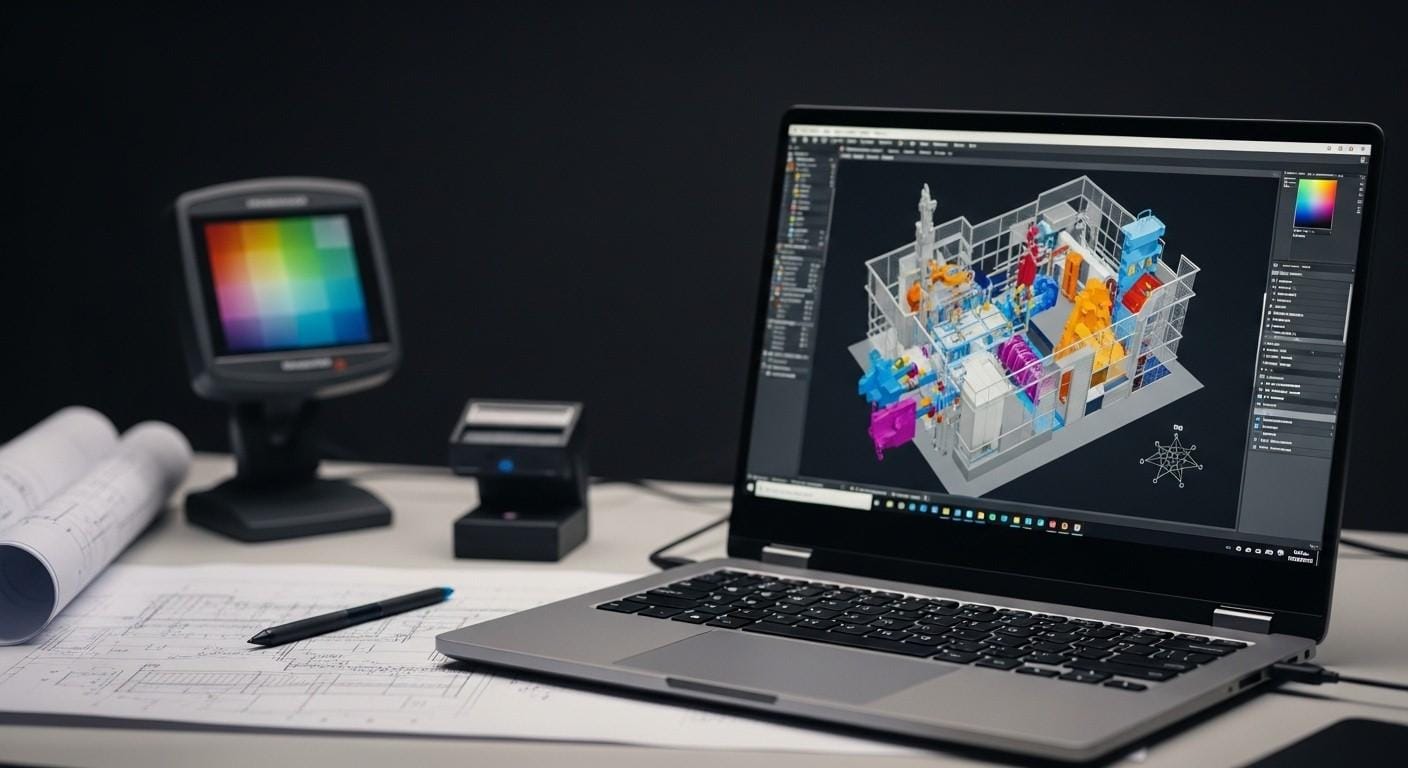
Workstation laptops are professional power tools. They run complex, mission-critical software. Their core purpose is absolute reliability and accuracy. They are certified for stability in professional applications.
The target user is an engineer or 3D animator. Data scientists and researchers need them. Professional video editors and architects rely on them. They are for those whose work depends on precision.
Key characteristics include ISV-certified components. ECC memory support prevents data errors. Displays are ultra-accurate and factory-calibrated. They offer maximum expandability for RAM and storage. They are built for 24/7 operation.
Primary Subcategories of Workstation Laptops
Different professions need different configurations. Workstation laptops have clear subcategories. They range from portable to desk-bound monsters. Let’s look at the three primary kinds.
1: Mobile Workstations (Traditional)
These are the classic portable workstations. They are powerful, expandable, and reliable. Their purpose is to bring serious power on the go. They are thicker for better cooling and expansion.
They use Xeon or Ryzen Pro CPUs. Professional GPU options are available. Think NVIDIA RTX A2000 to A5500. They have multiple storage bays for terabytes of data. RAM support often exceeds 64GB.
They are best for most workstation users. Engineers and animators need this power. They value upgradeability and expansion slots. Examples are the Dell Precision 7000 series. Lenovo’s ThinkPad P16 is a leader.
| Recommendations | Processor | RAM | Storage | Graphics | Price (KSh) |
|---|---|---|---|---|---|
| Lenovo P52 | i7 8th Gen | 16GB | 512GB SSD | 4GB NVIDIA Quadro | 53,500 |
| Dell Precision 5530 | i7 8th Gen | 16GB | 512GB SSD | 4GB NVIDIA Quadro | 53,500 |
2: Thin Mobile Workstations
These bring workstation power to a slim form factor. The purpose is portability for creative professionals. They focus on stunning, color-accurate displays. Certification meets portability here.
They have sleeker, more professional designs. Professional GPUs like the RTX A1000 are inside. Displays are 4K OLED or mini-LED. They are factory-calibrated for perfect color.
They are best for creative pros on the move. Video editors and photographers love them. Architects who present to clients need them. Examples include the HP ZBook Studio. Dell’s Precision 5000 series fits here.
| Recommendations | Processor | RAM | Storage | Graphics | Price (KSh) |
|---|---|---|---|---|---|
| HP ZBook Studio G5 | i7 9th Gen | 16GB | 512GB SSD | 4GB NVIDIA Quadro | 63,500 |
| Dell Precision 5540 | i7 9th Gen | 16GB | 512GB SSD | 4GB NVIDIA Quadro | 63,500 |
3: GPU-Centric / AI Development Workstations
These are for the most demanding compute tasks. Machine learning and AI training require them. Extreme rendering and simulation are their domain. The purpose is unparalleled GPU and memory capacity.
They feature the top-tier professional GPUs. Think NVIDIA RTX A5000 or A5500. Some models offer multiple GPU options. RAM support can be 128GB or more. They are essentially portable servers.
They are best for data scientists and AI researchers. VFX artists running complex simulations use them. They are the ultimate tool for computational work.
| Recommendations | Processor | RAM | Storage | Graphics | Price (KSh) |
|---|---|---|---|---|---|
| HP ZBook Fury G8 | i7 11th Gen | 16GB | 512GB SSD | 4GB NVIDIA RTX A2000 | 78,500 |
| Dell Precision 5560 | i7 11th Gen | 16GB | 512GB SSD | 4GB NVIDIA RTX A2000 | 78,500 |
Pros and Cons of Workstation Laptops
Pros:
Guarded Stability: ISV-certified for flawless performance in pro apps.
Certified Reliability: Built and tested for mission-critical work.
Best Pro-Grade Displays: Factory-calibrated, color-accurate screens.
Cons:
Extremely Expensive: The highest price tag of all different types of laptops.
Very Heavy: Not designed for frequent travel.
Overkill for Any Non-Pro Use: A waste of money for gaming or general use.
How to Navigate Different Types of Laptops: A Step-by-Step Guide
Choosing can feel complex. But a simple process makes it easy. Follow these three steps to find your perfect laptop. You will move from category to specific model confidently.
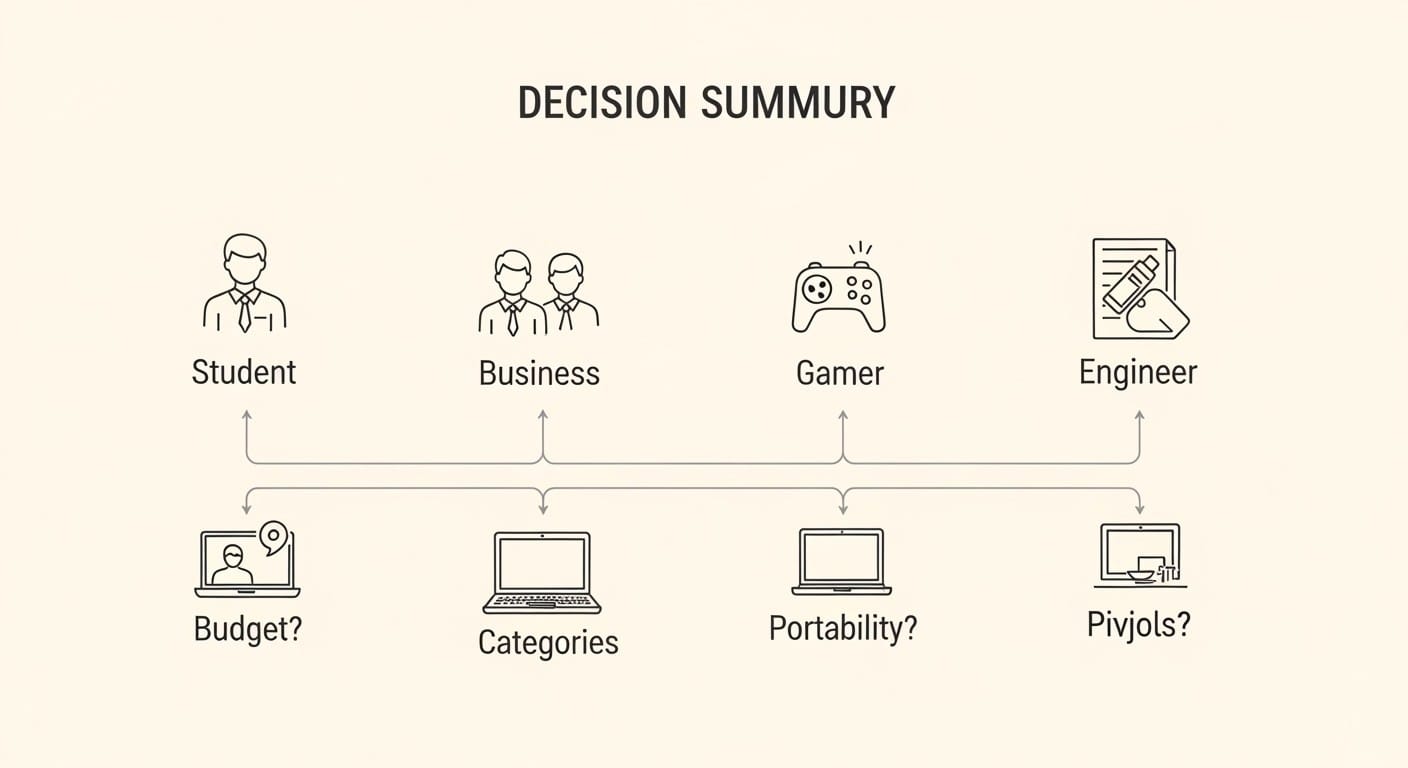
Step 1: Identify Your Primary Use Case.
Match your main activity to a core category. Are you a student or home user? A Consumer Laptop is likely best. Are you a professional needing reliability? Look at Business Laptops.
Do you want to play the latest games? Gaming Laptops are your only choice. Do you run engineering or advanced creative software? You need a Workstation Laptop. Start here.
Step 2: Drill Down with Key Questions.
Now, refine your choice within the category.
Portability vs. Power: How mobile must you be? This leads to Ultraportable vs. Desktop Replacement choices.
Display & Input Needs: Do you need a touchscreen? Is color accuracy vital? How important is keyboard quality?
Software Specifics: What is your most demanding application? This dictates your needed GPU and CPU.
Budget & Longevity: Are you buying for 3 years or 5+? This affects your investment level.
Step 3: Compare Within Your Final Subcategory.
You now have a specific target. For example: “I need a Business Laptop. Specifically, an Executive Ultraportable. My budget is under KSh 40,000.” Now compare specific models. Use our laptop price list table as a starting point. Check our price list for final confirmation.
Final Remarks
The world of different types of laptops is logically segmented. Each category serves a distinct purpose. Consumer laptops offer versatility and value. Business laptops provide security and durability. Gaming laptops deliver unmatched entertainment power. Workstations guarantee precision for professionals.
Choosing the right category helps you focus your search. But selecting the correct subcategory is the final step. It ensures perfect alignment with your lifestyle for a smooth and efficient workflow.
This framework prevents common buying mistakes. You will not buy a cumbersome gaming laptop. You needed a secure, travel-ready business ultraportable instead. This knowledge saves you time and money.
Ready to find your match? Share your primary use case in the comments below. Tell us your must-have feature and budget. We will suggest the ideal laptop subcategory for you!